
- Mobile begins with a small screen
- Creating mobile designs forces designers to prioritise and alter their mental structure
Pattern language book
- Design patterns and interactive design go beyond style and visual repetition
- They have roles in the interface and software design
- Words are used to describe patterns and are also supported by drawings, photographs and charts
- It describes methods for constructing practical, safe and attractive design
- These designs include cities, neighbourhoods, gardens, buildings, rooms and built in furniture
UI Pattern Proliferation
- Responsive design can result in many websites looking similar
- Design patterns have matured in today’s modern world
- There is a small amount of innovation when it comes to interface patterns
Types of design patterns
Hamburger menu

- It is a symbol consisting of three parallel horizontal lines
- It function as a button and is displayed on the top of the interface
- Resembles the layers of a hamburger, thus its name
- It is usually used for pages or options
- In today’s modern world, it is used to save space on the screen
- Although, sometimes websites will have a video in a full size; causing the hamburger menu being the best option for these types of situations
- It sometimes can be a combination of a draw menu and reveal/hide buttons
- The main content slides out of the way or is positioned underneath and reveals the button by a tap or drag
Account registration
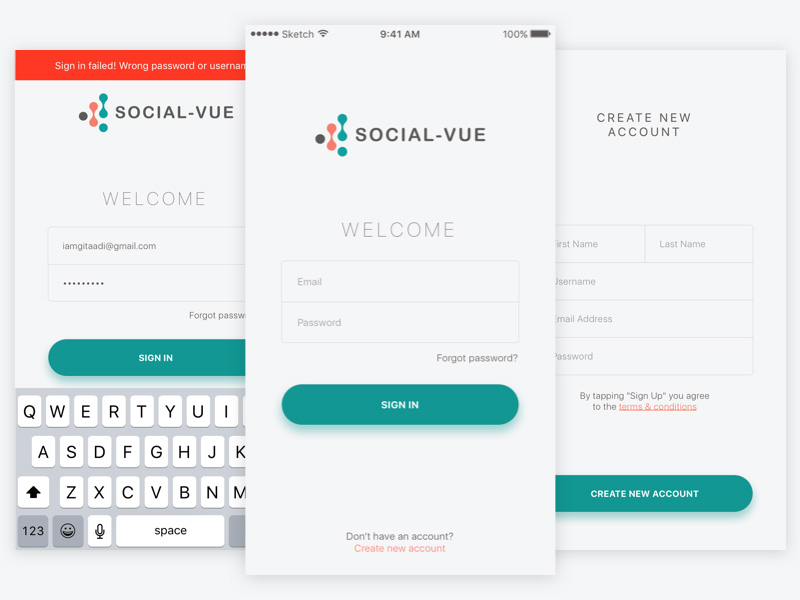
- This pattern appears when signing up for a site
- A form can be filled out or buttons that allows users to link a social media account
- Multi-step form wizards are effective because they display out the required fields, reducing friction and encouraging users to flow through the process
Long scroll

- The technique works for websites that want to lure users through storytelling
- It mimics multi page by breaking the scroll in sections
Card layouts

- Presents information in large spaces
- Each card represents one unified concept
- The rectangular shape makes the website easier to rearrange and is useful in all interfaces
- Cards include information such as a title, username/author, image and various icons
Hero images

- High definition images are one of the most powerful ways to grab a users attention
- One common layout is a hero image above the scroll, followed by a zig zag section or a card space arrangement
Animation

- Illustrates storytelling
- Animation should be considered carefully in relation to adding to the site’s story, elements and personalities
- Scale animations are used primarily as an interaction tool eg. pop up notifications
- Small scale animations include spinners, hover tools and loading bars, they do not require any user input
- Loading animations are popular for flat design, minimal design and one page sites
- Galleries and slideshows are an effective way to showcase images without overturning the users (are great for photography sites and portfolio)
- Motion animation is effective, as user’s eyes are naturally drawn to motion, thus draws to their attention
- Scrolling animation gives further control to the user, they can determine the pace of how the animation unfolds
- Background animation can add visibility to the website and should be used in moderation as it can be distracting to the user
Material design
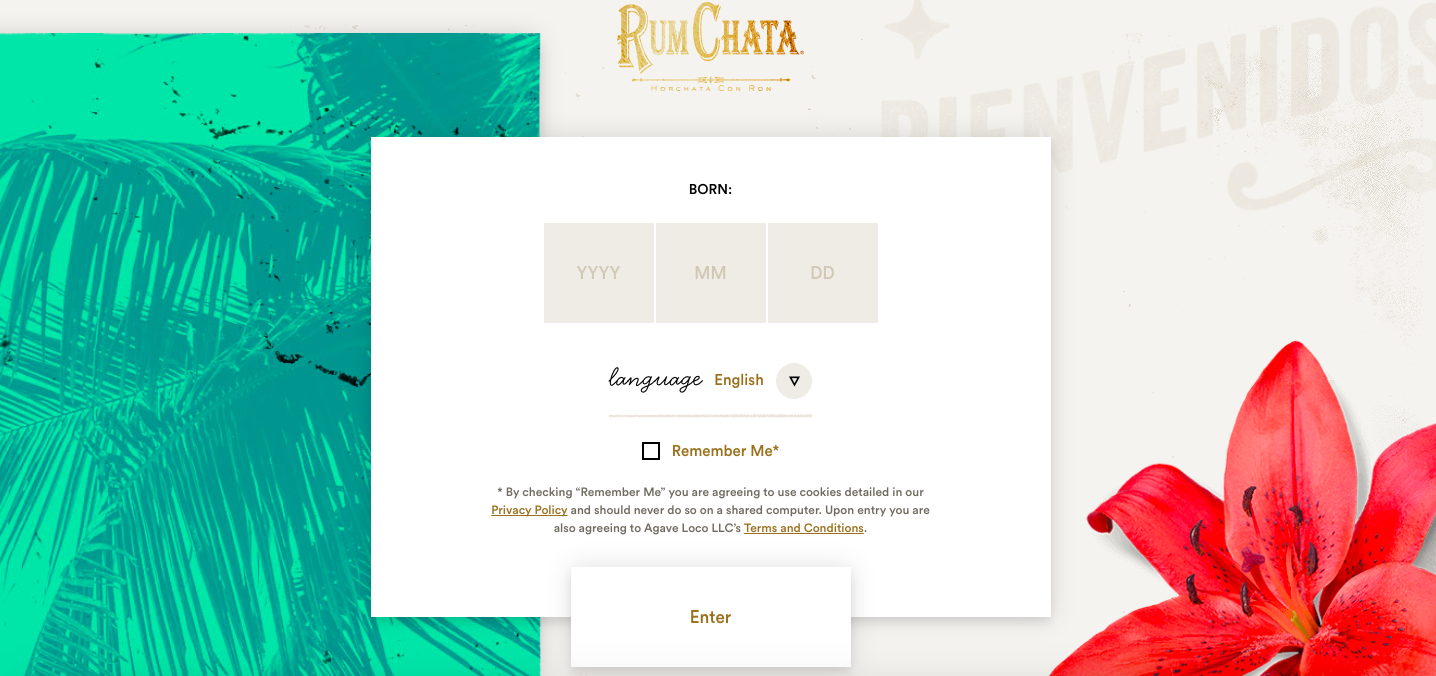
- Uses shadow effects, movement and depth in order to create designs that are more realistic to users
- Goal is to create a clean design that focuses on user experience and assist other designers
Responsive design

- Becoming popular due to the rise of mobile and internet usage
- Represents simple and cheap way for businesses to create a mobile friendly website
- Tends to be minimalistic, keeping the page weight down
Reflection
The Week 3 Lecture Pod presented the idea of design patterns. The types of design patterns caught my attention, as I was not aware of the specific terms for the types of patterns. In the past, I have had knowledge of the ‘long scroll’, ‘card layouts’, ‘hero images’ and animation interface themes, although I did not take into consideration the amount of specifications and details that were included and that were was a name for it. These patterns are helpful for beginners in web designs because it introduces a wide range of information that can be useful to them for their future work. Furthermore, I realised that design patterns have evolved and progressed in the past, and introduces users into a more story-like setting.
 Ana's Design Blog